

 iPhone
- Select iPhone on this page to open the App Store.
- Review the current SafeXTM listing and system requirements.
- Install the app, open it, and sign in to your account.

Choose the mobile or desktop client that matches your device
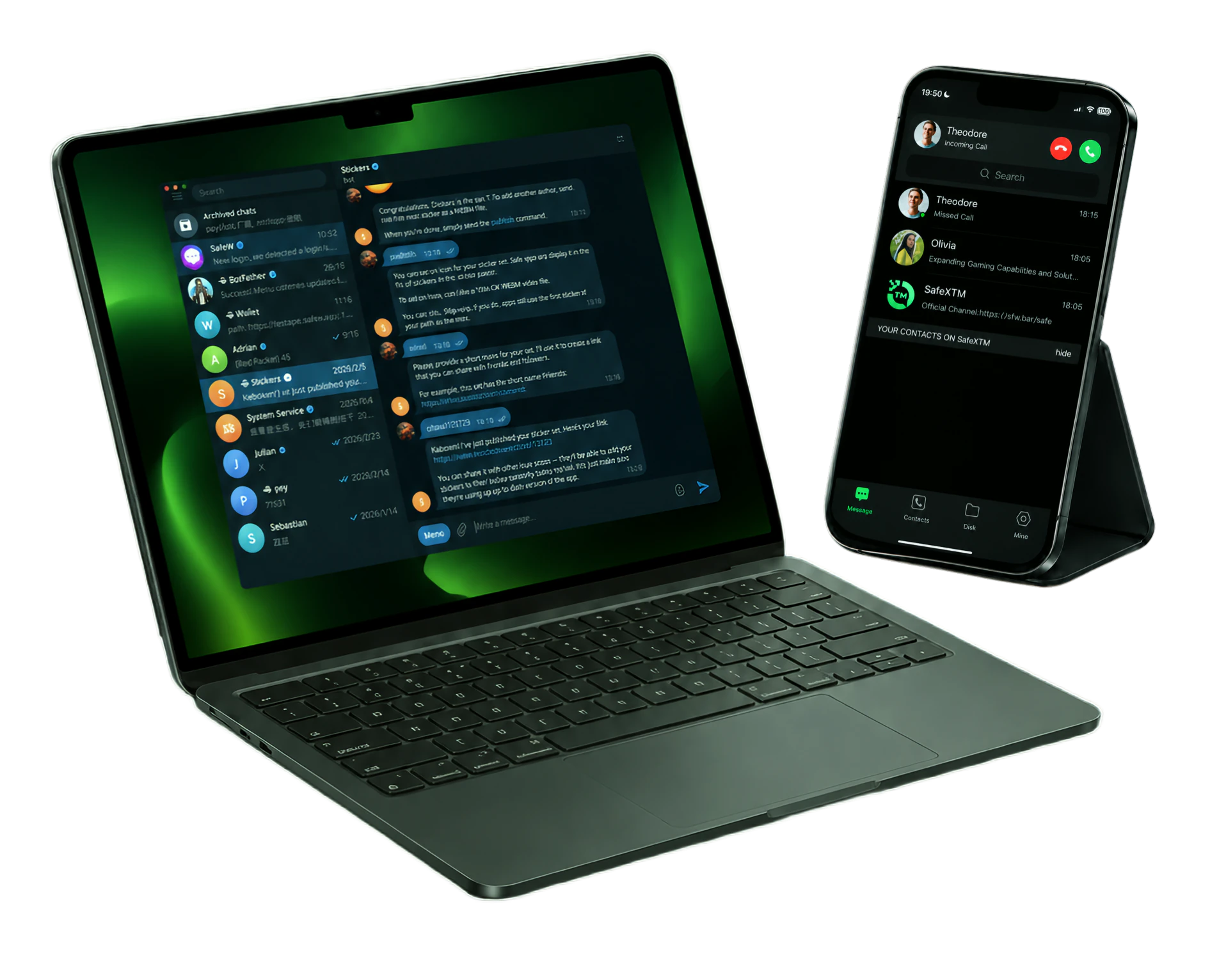
Install through the App Store, Google Play, or Android APK

Use the Windows or macOS installer for your computer

Sign in to the same account on supported mobile and desktop clients

Linux is listed as a platform, but no installer is available here yet

SafeXTM Download
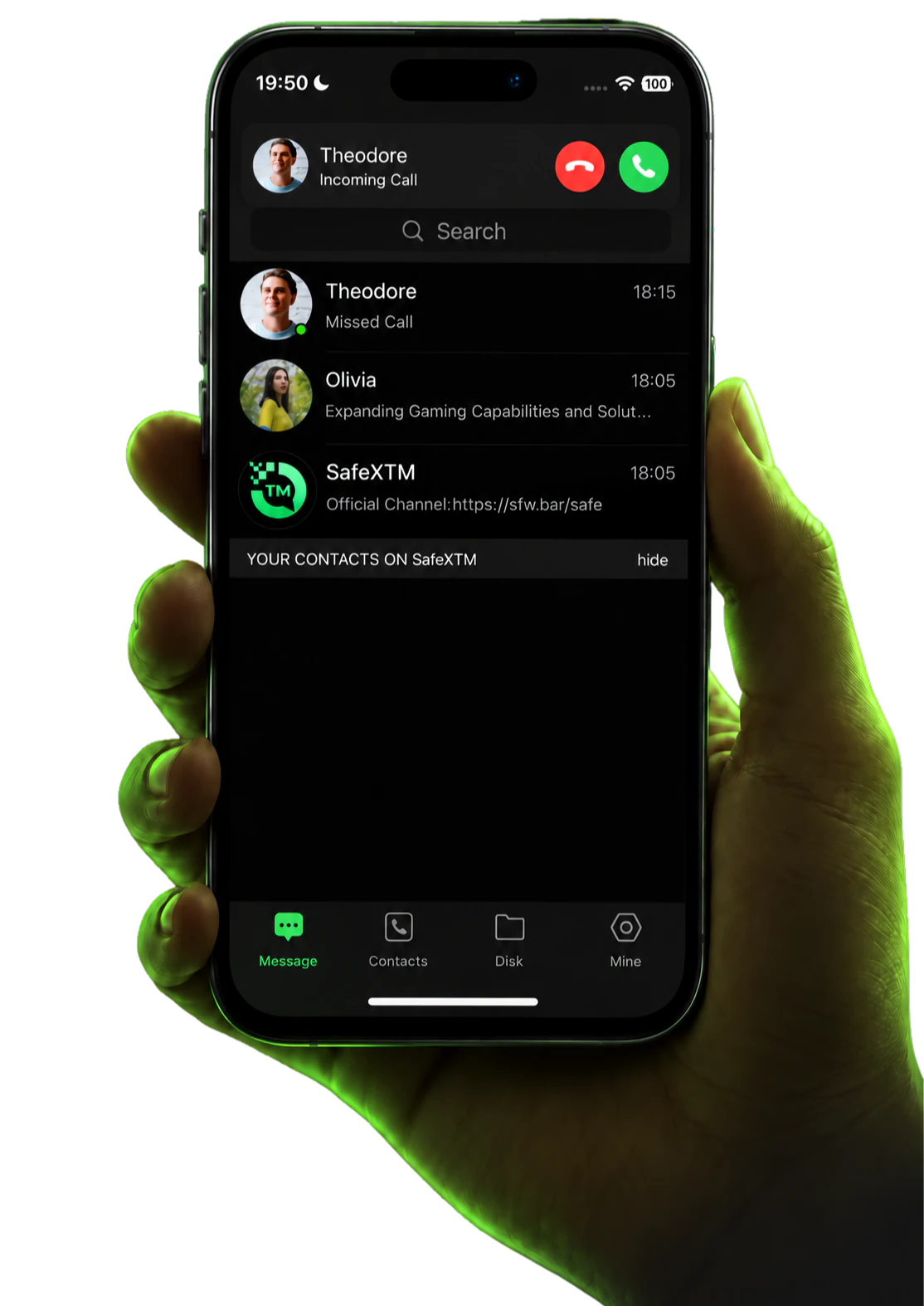
SafeXTM provides mobile and desktop clients. iPhone users can open the App Store, Android users can choose Google Play or an APK, and Windows and macOS users can download the corresponding desktop installer. Linux is listed as a supported platform, but this page does not currently provide an active Linux package.
| Platform | How to get it | Update method | Package |
|---|---|---|---|
| iPhone |
App Store | App Store | Store app |
 macOS |
Desktop installer | Download the current installer | .dmg |
 Android |
APK download | Download a newer APK when available | .apk |
 Google Play |
 Google Play | Store app |
 Windows |
Desktop installer | Download the current installer | .exe |
 Linux |
No active package on this page | — | — |
iPhone
Open the App Store listing to check current device and system requirements before installing.
Google Play
Install SafeXTM through Google Play and receive updates through the store.
Android APK
Install the APK directly on a compatible Android device when you need an alternative to Google Play.
Windows
Download the Windows installer and follow the normal installation process on your computer.
macOS
Download the macOS disk image, open it, and install SafeXTM in Applications.
Linux
Linux is listed as a SafeXTM platform, but this page does not currently provide an installer.
iPhonemacOSAndroid APKWindows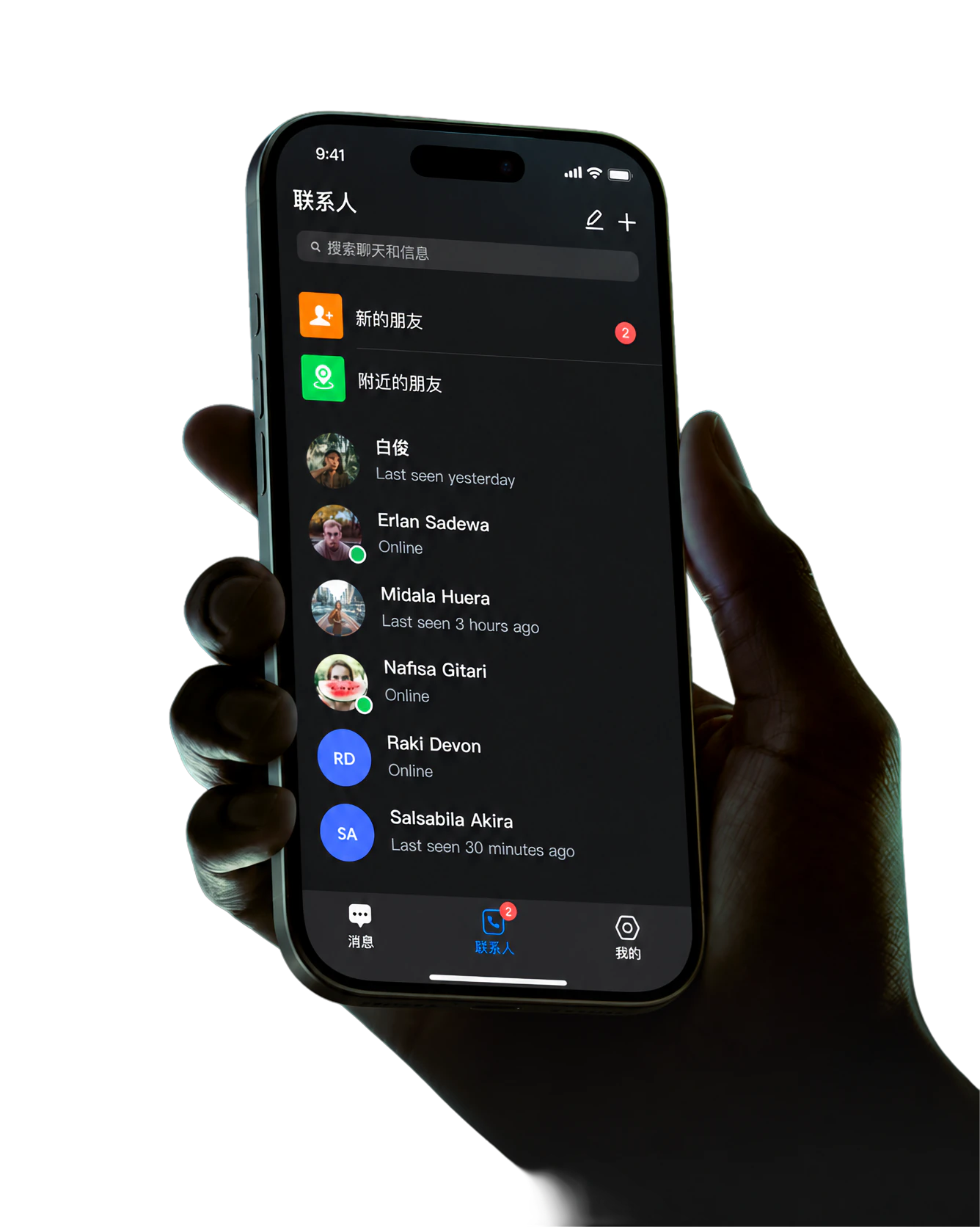
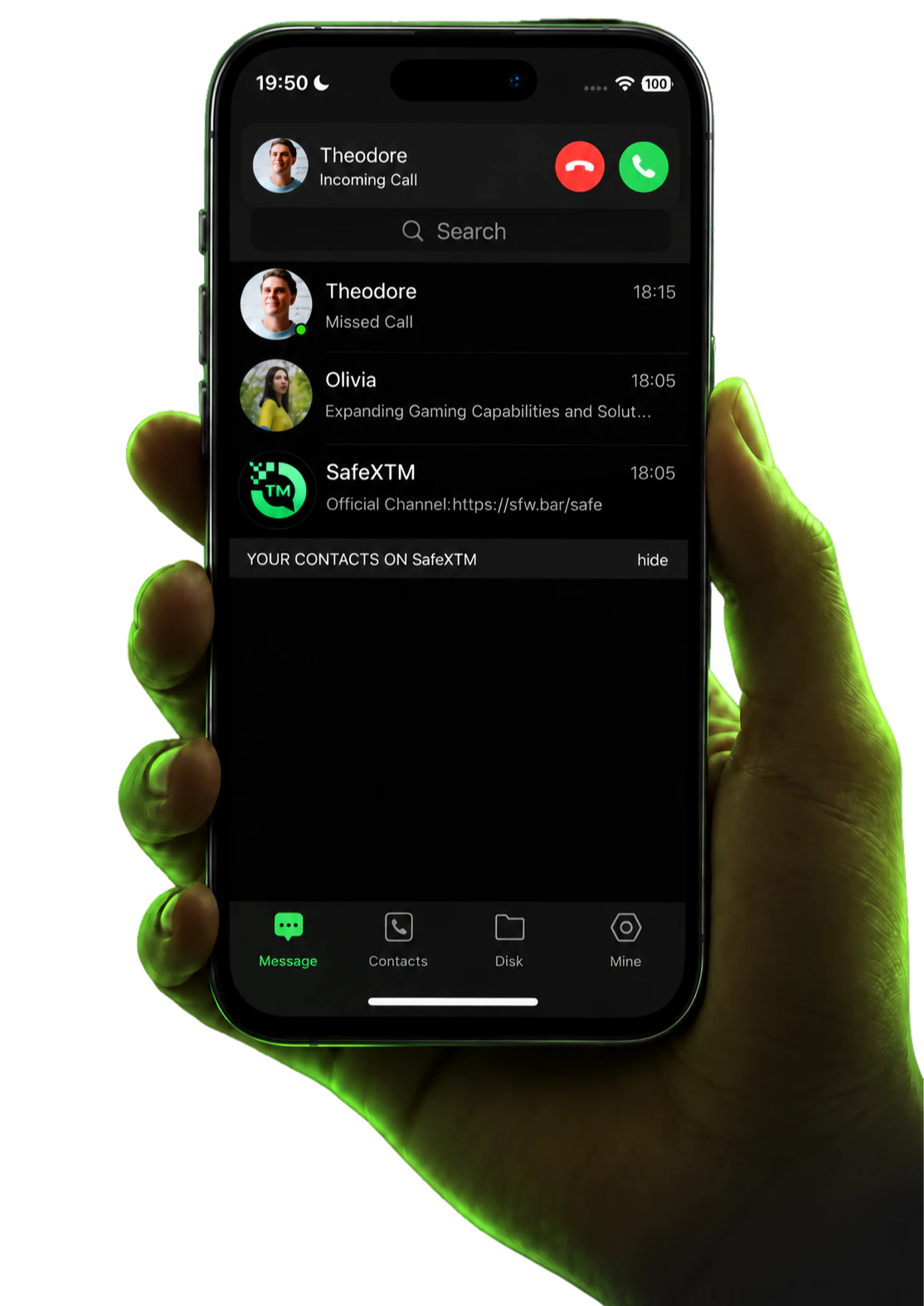
iPhone users can get SafeXTM from the App Store. Android users can choose Google Play or the APK on this page, while Windows and macOS use their corresponding desktop installers.
Google Play is convenient when the store is available because installation and updates are managed there. The APK can be installed directly on compatible Android devices and must be downloaded again when a newer package is needed.
First confirm that the APK came from the expected download link. If Android blocks the installation, review the permission that allows the current browser or file manager to install apps from that source.
Check that the installer came from the expected SafeXTM download link and review the file information displayed by the operating system before following its normal security options.
SafeXTM supports multi-device use, so the same account can be used across supported mobile and desktop clients. The exact content available across devices may depend on the current feature and client.
SafeXTM lists Linux as a desktop platform, but this page does not currently provide an active Linux installer. Avoid downloading unofficial packages from sources you cannot verify.

Choose your platform